Illustrating:
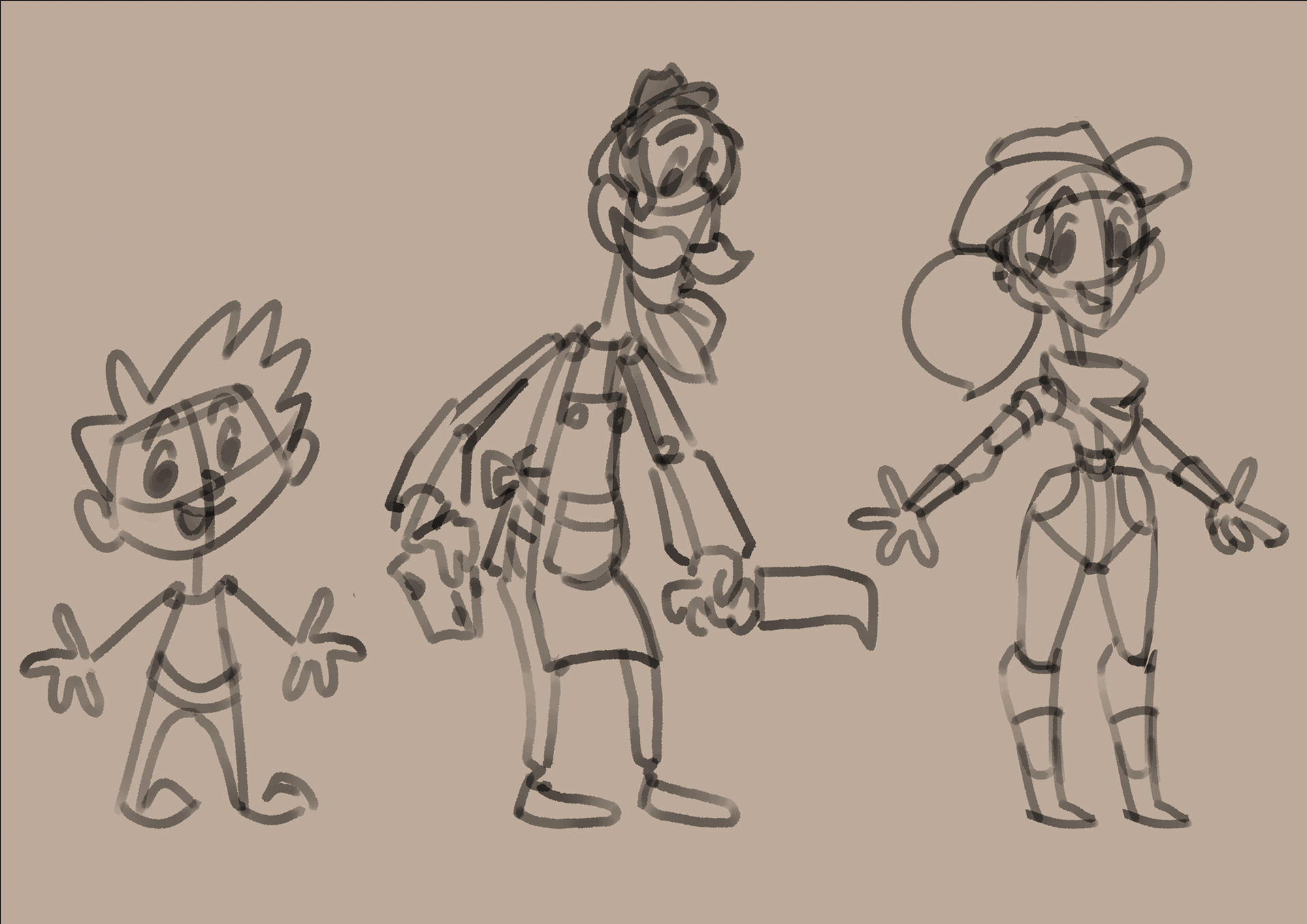
I started by sketching three unique human characters as suggested by close family members:
a young boy, an old man who works as a cheese monger and a cowgirl.
I started by sketching three unique human characters as suggested by close family members:
a young boy, an old man who works as a cheese monger and a cowgirl.
This was accomplished using a Wacom Intuos Pro 2025 drawing tablet.
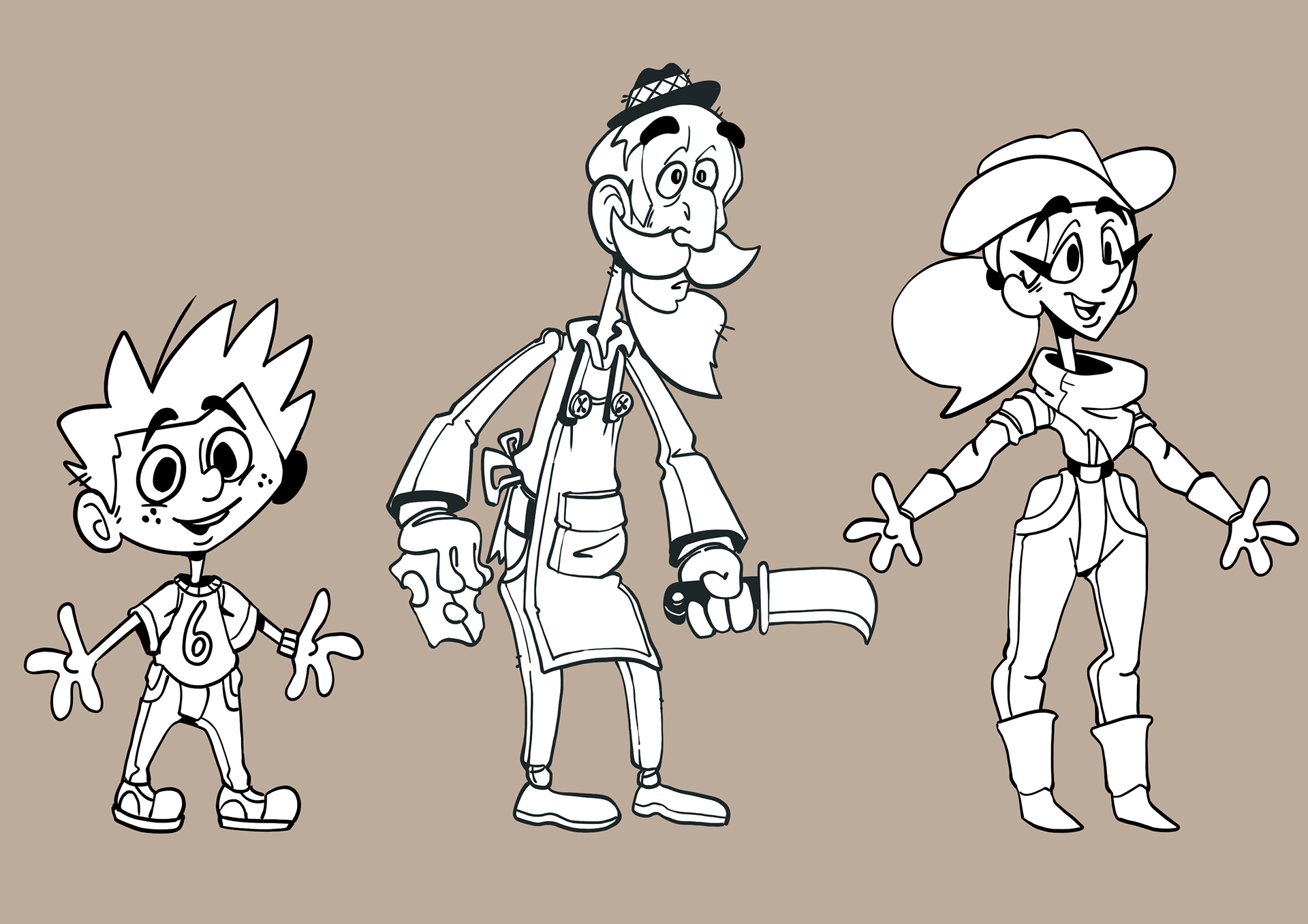
Once happy with the characters and poses, I then inked them with the Intuos tablet using the default hard round pressure brush and added additional details and pieces of personality to the illustrations.
I then added a white fill behind each character to give a clear contrast from the background.
Layout:
The old cheese monger was my favourite of the three for the time being so I decided to colour, shade him slightly and turn him into a “puppet” for rigging later in Spine
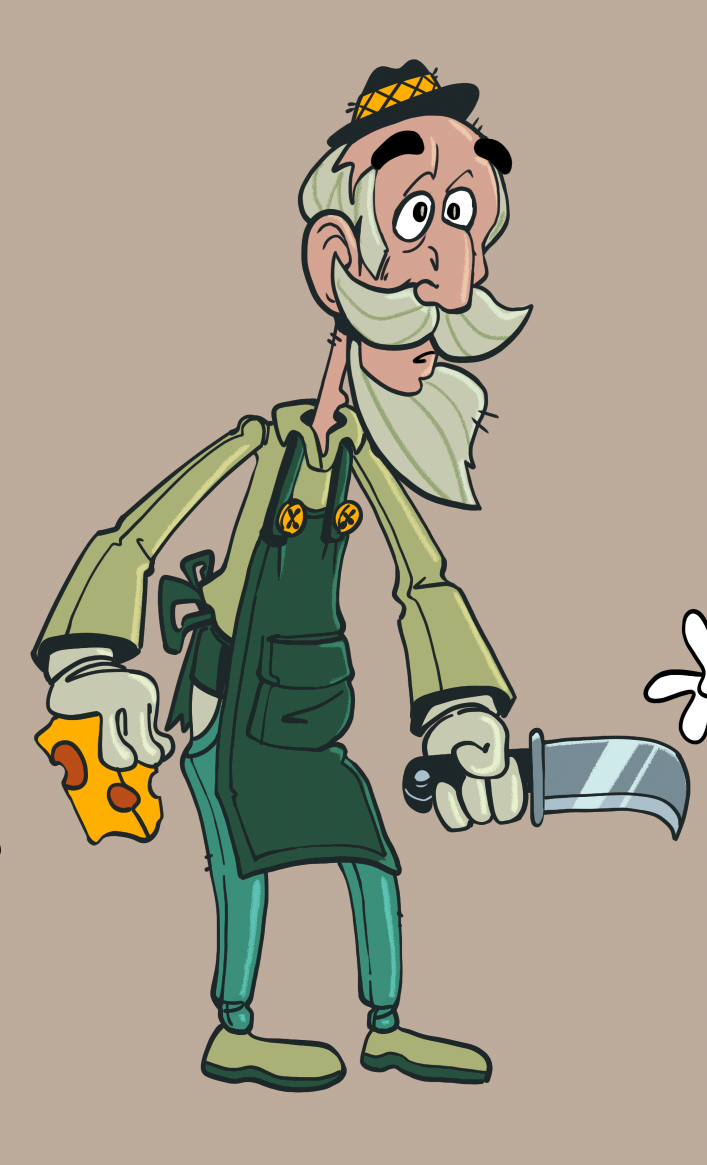
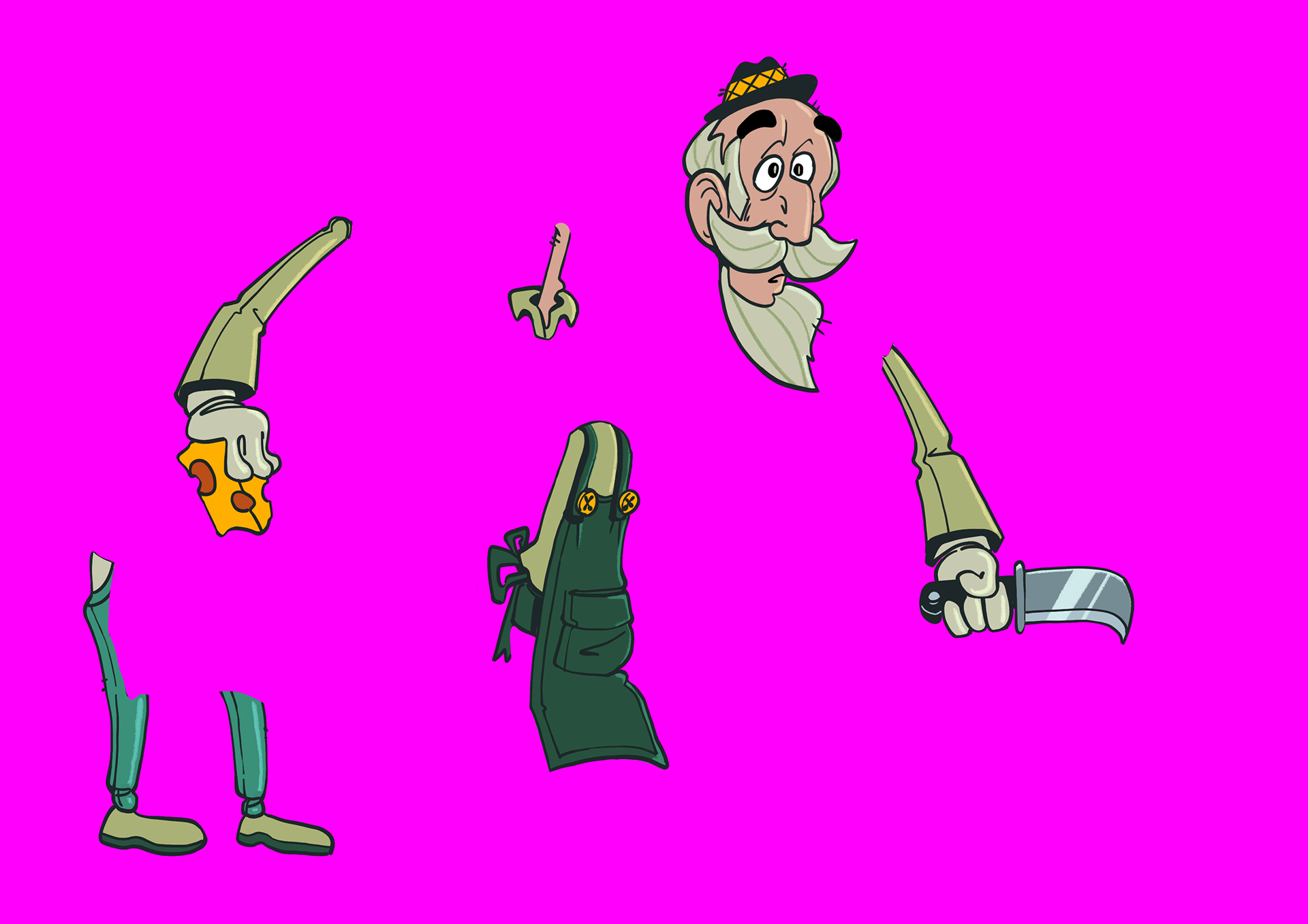
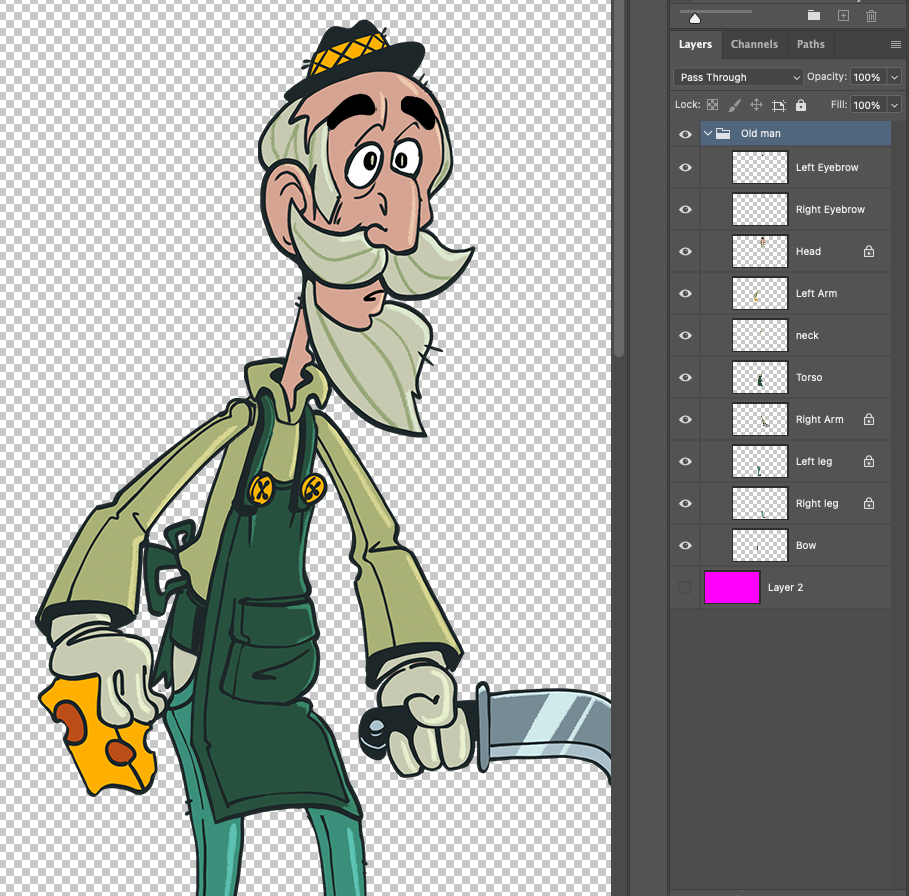
Once I was happy with the colour I exported as a solid PNG with a transparent background and cut up the appendages on the illustration and painted in where they’d overlap, I then reassembled the character with all of the appendage layer named with the correct names. I then made the working .PSD for the “puppet” 1080p in resolution and exported it using the PhotoshopToSpine script.
Rigging:
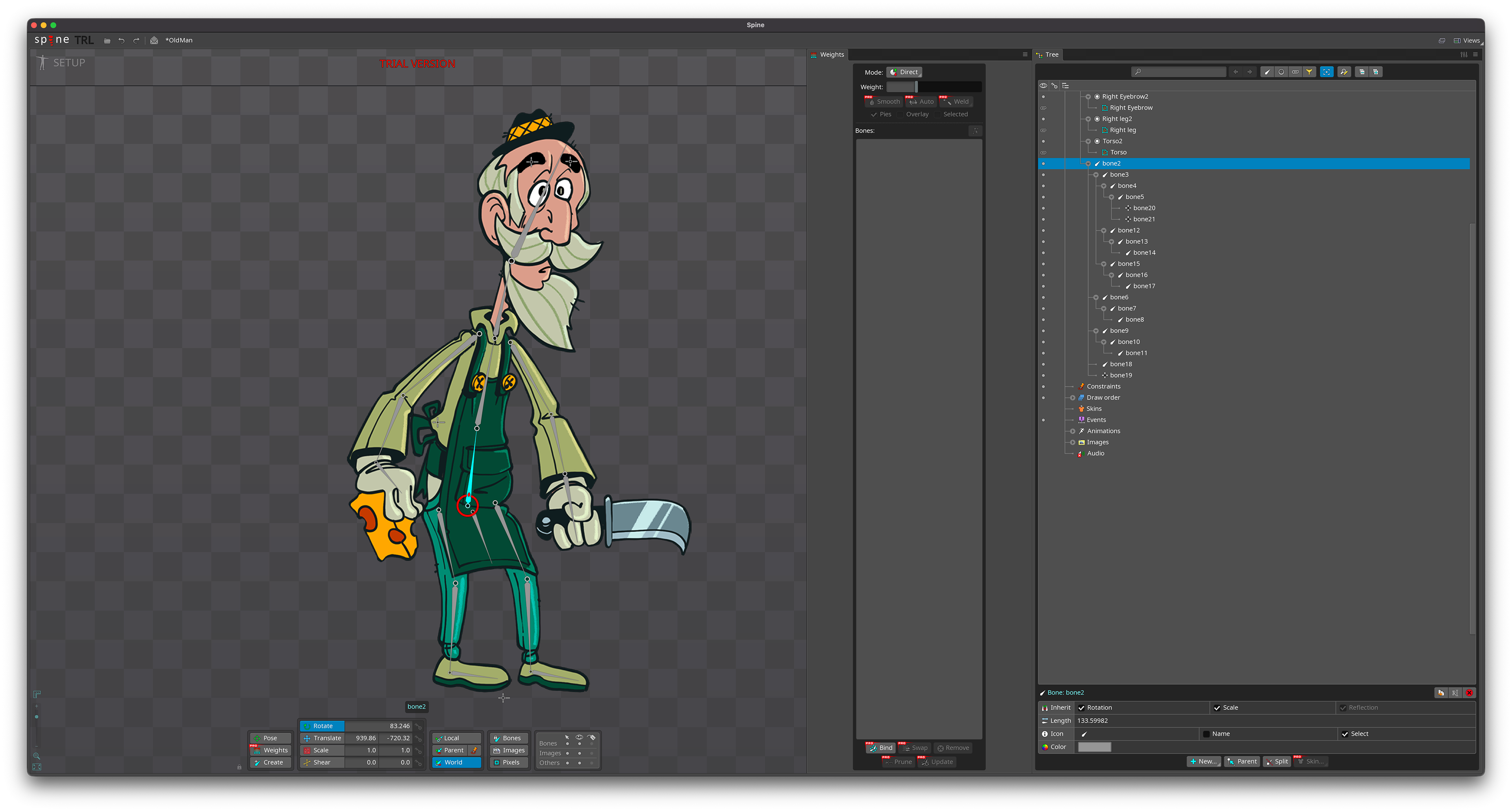
Once I imported the .json from the script and assets I auto traced the images in spine into Meshes and added corresponding bones to bind the meshes to.
Once I imported the .json from the script and assets I auto traced the images in spine into Meshes and added corresponding bones to bind the meshes to.
I also added a “floor” bone that all of the bones are parented to so I can move the whole rig across an imaginary “floor”.
Animating:
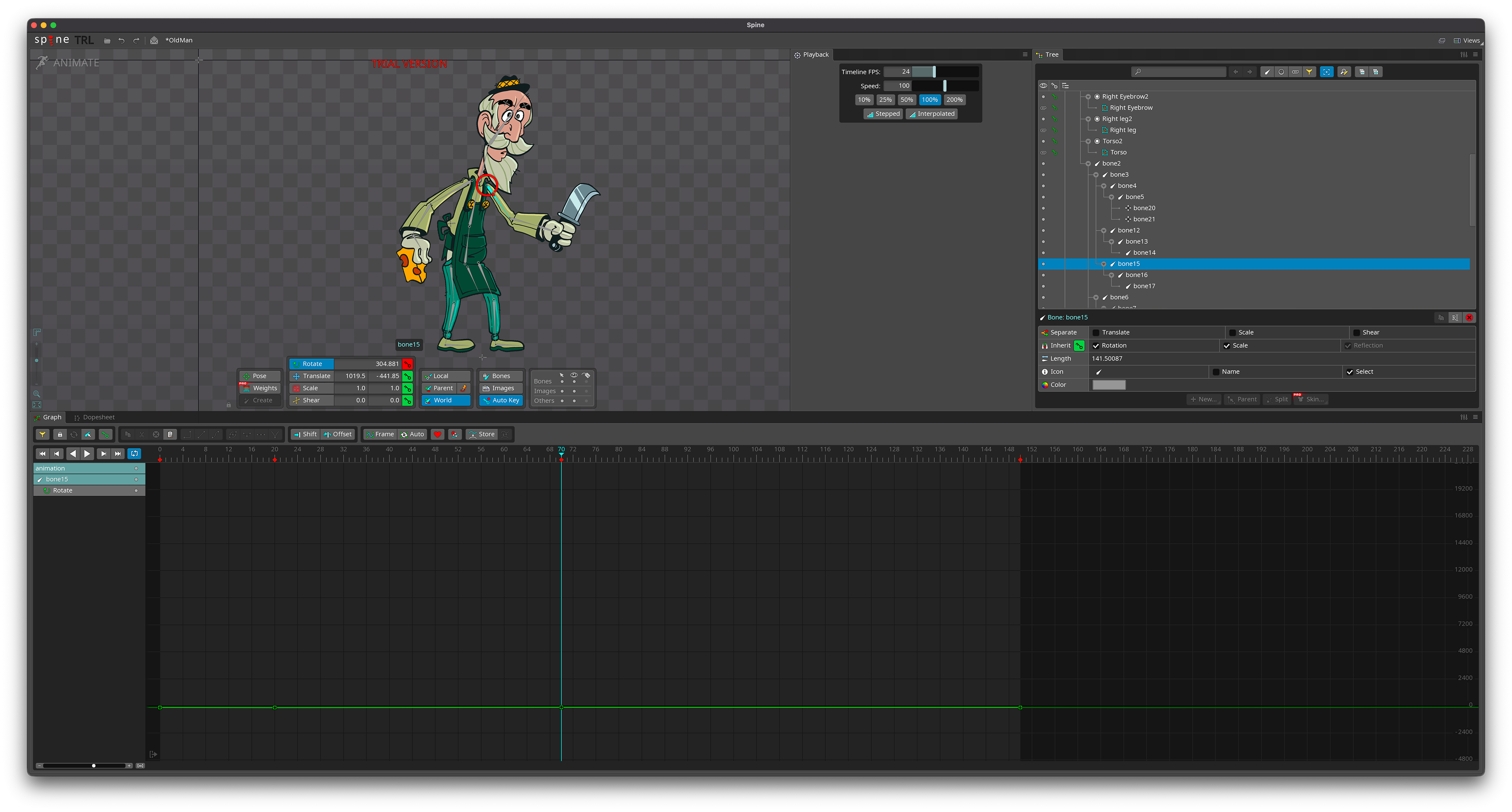
I then made a simple idle animation for the illustration in the graph editor timeline of the old man with a little bit of follow through in the rotation of the appendages as well as a little bit of translation movement on the “floor and eyebrows.
I then made a simple idle animation for the illustration in the graph editor timeline of the old man with a little bit of follow through in the rotation of the appendages as well as a little bit of translation movement on the “floor and eyebrows.
Conclusion:
So far I am happy with this brief task, it was cathartic seeing a digital hand drawn illustration I had created being able to move and the ability to have so much dynamic control over it.
In a future spine focused submissions I plan to experiment with a little bit more advanced character animation as well as animating FX.
So far I am happy with this brief task, it was cathartic seeing a digital hand drawn illustration I had created being able to move and the ability to have so much dynamic control over it.
In a future spine focused submissions I plan to experiment with a little bit more advanced character animation as well as animating FX.